
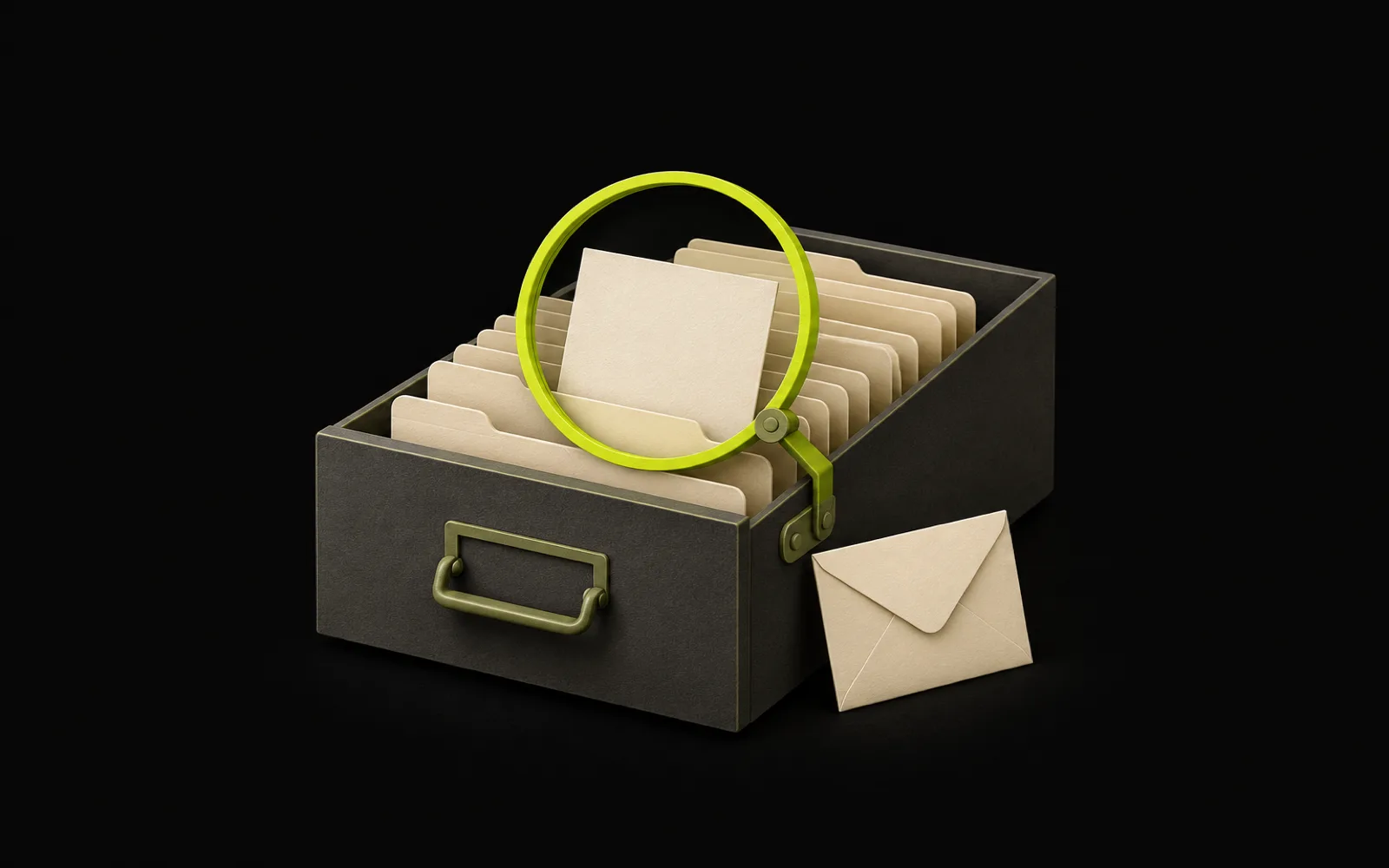
Every household and small business runs on paper it rarely looks at: invoices, insurance policies, tax letters, contracts with a notice period hidden on page four. It arrives through three mailboxes, the post and the occasional phone photo, and it lands wherever there was space at the time. DocuHive is our attempt to give all of it one home that you own, sorted by AI, searchable in seconds, and still readable if the software disappears tomorrow.
This is the story of why we started, what we decided early, and what we are deliberately not doing. The code is open on GitHub, and it is honest about how far along it is: the path from a scanned letter to a filed, searchable document works on test data, and what remains is proving it on real hardware with real documents.
The moment that matters is never filing a document. It is finding it again.
The problem is retrieval, not storage
Storage is solved. Every NAS, cloud drive and inbox will happily keep a PDF forever. What breaks is the day you need something specific: the electricity bills for a tax return, the policy number for a claim, the date you can cancel a contract before it renews for another year. At that point the document is somewhere, under a filename like scan_0043.pdf, in a folder structure you invented once and stopped following a month later.
Folder systems fail because they ask the wrong person to do the work at the wrong time. When a letter arrives you are busy, and the right folder depends on a question you will ask in the future. We wanted the filing to happen automatically, from the content of the document, and the finding to work the way you think: by words, by meaning, or by simply asking.
What DocuHive does
The idea fits in six steps:
- Capture. Attachments from Gmail, Outlook and other mailboxes, including years of old mail, photos from your phone, a scanner folder, and anything you upload.
- Read. Scans and photos become searchable PDFs; office files and emails are converted too.
- Sort. An AI assistant files each document into your categories, recognises the sender, and pulls out what matters: amounts, due dates, contract terms, policy numbers.
- Keep. Originals are stored unchanged on your own storage, next to a plain description of each document.
- Find and ask. Search by words or meaning, or ask a question and get an answer that links to the documents it came from.
- Remind. Due dates and notice deadlines become reminders on your phone or in your calendar.
Every one of those steps exists in some product already. What we could not find was all of them together, running on our own hardware, with AI that we could inspect and point at a local model when the document was nobody else's business.
Why we built our own core
We started where most people start: Paperless-ngx. It is a mature, well-loved project, and the first plan was to run it and add AI around the edges. The more we designed, the more of the work lived in those edges. Classification, extraction, mail triage, chat, reminders and privacy rules all wanted to sit in the middle of the pipeline, not bolted on through an API afterwards.
So we took the decision to build a small core of our own and lean on proven tools for the hard, boring parts: OCRmyPDF and Tesseract for reading scans, Gotenberg for converting office files, and PostgreSQL for nearly everything else. We wrote Paperless down as the fallback before measuring anything: if our OCR could not read scans well, we would switch the archive backend rather than ship something that reads documents badly. Our own core won that decision, and measuring it on real scans is now part of the final release check. DocuHive does not take your real documents until it has shown it reads them well.
Five decisions we made early
The archive has to outlive the app
Each document is stored as a folder: the untouched original, a searchable PDF, a thumbnail and a small JSON file describing it. The database is an index that can be rebuilt from those folders. If DocuHive stops running, you still have a tidy, readable archive on your NAS. Lock-in for something as personal as your paperwork felt like the wrong trade.
AI suggests; you decide
The assistant fills in titles, categories, tags and facts, but anything it is unsure about goes to a review queue instead of being guessed. Anything you change by hand is locked, so the next AI pass cannot overwrite it. Automatic filing only switches on for a field once evaluations show it is reliable enough. Until then, every suggestion waits for a person.
You choose where the AI runs
DocuHive works with a local model through Ollama, with cloud providers such as Anthropic, OpenAI and Amazon Bedrock, or with a mix. Health and identity documents are restricted: they are only ever processed locally. Cloud providers are filtered out before any request is made, and a database constraint on the audit log refuses any record of a restricted document reaching a cloud model, so the rule does not depend on a setting someone can forget. Every model call is logged with its model, prompt, tools and cost, and each AI-set value links to a page showing how it was made.
The household shares, but not everything
A household archive has more than one person in it. Each document has an owner, and is either shared with the household or kept to its owner, administrators included. That check happens inside every database query, so search and chat can never show someone a document they could not open. Shared readers see a document; only its owner can change it.
Answers cite their sources and calculate their totals
Asking “how much did I spend on electricity last year?” should not produce a number the model made up while sounding confident. The chat answers from your documents, links every claim to the document it came from, and computes totals with a database query over the facts that were extracted and reviewed.
A learning project in public
DocuHive is also how we are learning to build AI products properly. It uses Strands Agents with an agent harness around it: routing per task, fallbacks, a privacy gate, monthly budgets and an audit trail. The repository has a learning path alongside the code, starting with privacy routing and the job queue, and it grows with each feature, so anyone reading the code can follow the same path. The technical side is in a separate architecture walkthrough.
The work itself is split into three tracks that move at their own pace: a platform track for storage, intake, sign-in and search; an intelligence track for the AI layer, email, chat and reminders; and a quality track whose only job is to check that the other two actually fit together. They meet at written contracts rather than at shared assumptions, which is what lets them work in parallel.
What we are not doing
- No hosted service. DocuHive runs on your machine, an always-on PC or your own cloud account. There is no account to create with us.
- No silent automation. Nothing gets filed automatically until it has earned it, and you can always see why a document ended up where it is.
- No folder-and-filename wrangling. If the answer to “where is it?” requires remembering your own naming scheme, we have failed.
- No overclaiming. The README has a status table that says what works and what does not yet, and it stays that way.
Where it stands
Today the whole path works on test data. Upload a scan or photograph a letter, and it is read, stored unchanged in the vault next to a searchable PDF, and found again by its words. DocuHive installs on a home server from a step-by-step guide, and a user guide covers everyday use. It has been through a security checklist with evidence for each item, a web security scan, backup and restore rehearsals and failure drills, and the first runs against a local model.
What it has not done yet is run on the hardware it is meant for, with real AI providers, real mailboxes and real scans. Until it has, it is not ready for your real documents, and we would rather say that plainly.
If the idea resonates, star the repository, read the requirements, or open an issue with the kind of paperwork that keeps getting lost in your house. That is exactly the problem we are building for.